Connect WhatsApp with Odoo.
Turn CRM, sales and invoice events into timely customer updates.
- Odoo contact sync
- Order notifications
- Invoice reminders
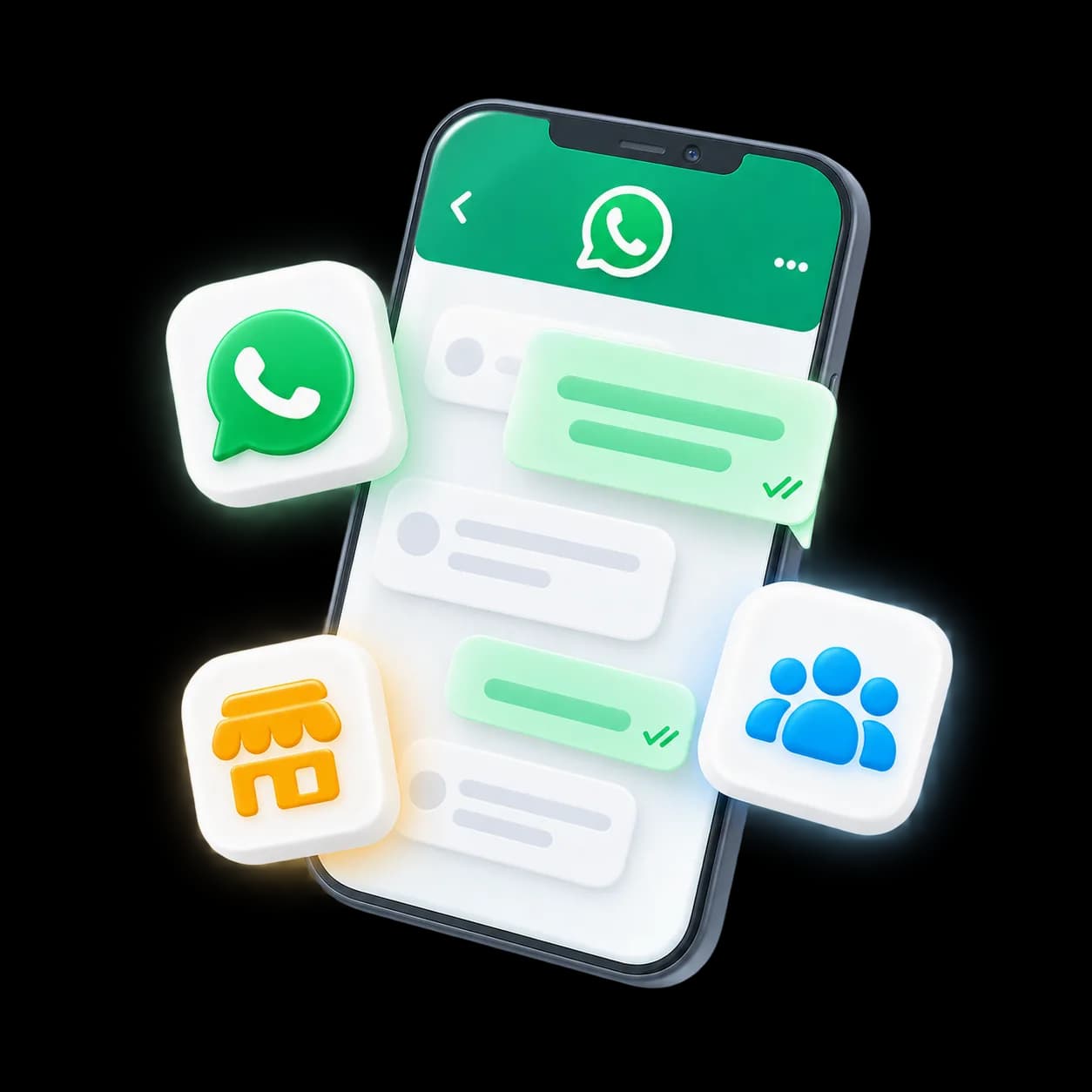
Customer · Order · InvoiceConnection ready
One conversation. Three simple steps.
A sample journey on WhatsApp.
- 01
Connect the records
Map contacts and the events you want to use.
Customer · Order · InvoiceFields connected to Odoo.Connection ready - 02
Send the update
Use Odoo events to trigger WhatsApp messages.
Your order has been confirmed.Thank you!Customer informed - 03
Keep the team aligned
Bring replies back to the customer conversation.
Can I check the delivery time?Our team will help you here.Reply received
A few quick answers.
Ask us on WhatsAppWhich Odoo versions are supported?
WapiNEXA connects to Odoo via API. Our team confirms compatibility with your version and edition during onboarding.
Can WhatsApp chats create Odoo leads?
Yes. New enquiries can create or update leads and contacts automatically.
Can I send Odoo documents on WhatsApp?
Yes. Quotes, invoices and order updates can be sent as WhatsApp messages.
Do you support custom Odoo modules?
Yes, via API and webhooks.