Your next campaign. On WhatsApp.
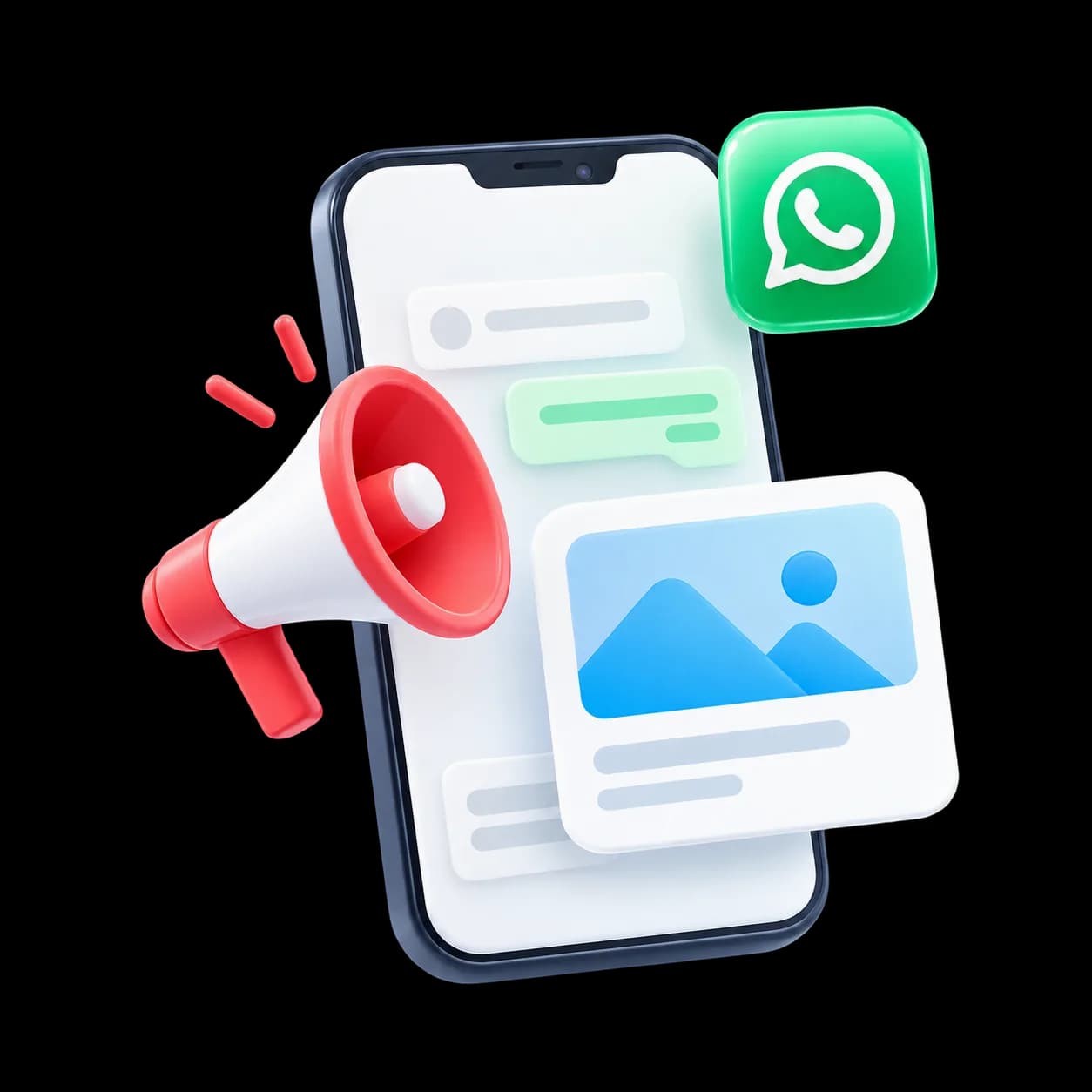
Create a message, choose your audience and track the response in one place.
- Audience segments
- Scheduled campaigns
- Delivery and reply reports
Returning customersSegment ready
One conversation. Three simple steps.
A sample journey on WhatsApp.
- 01
Build your audience
Group opted-in contacts by interest or activity.
Returning customersAudience selectedSegment ready - 02
Create your message
Use an approved template with images and buttons.
Hi Maya, explore our new collection.View collectionCampaign scheduled - 03
See the response
Track delivery, reads, clicks and replies.
Who responded to this campaign?Open the campaign report.Results in one place
A few quick answers.
Ask us on WhatsAppIs WhatsApp bulk messaging allowed?
Yes, through the official WhatsApp Business API to opted-in contacts using Meta-approved templates.
Do you help with template approval?
Yes. Our team helps you write and submit templates for approval.
Can I personalise messages?
Yes. Add names, order details, offers and other fields to every message.
What does a campaign cost?
Meta charges per conversation in addition to your WapiNEXA plan. See our pricing page or talk to our team.